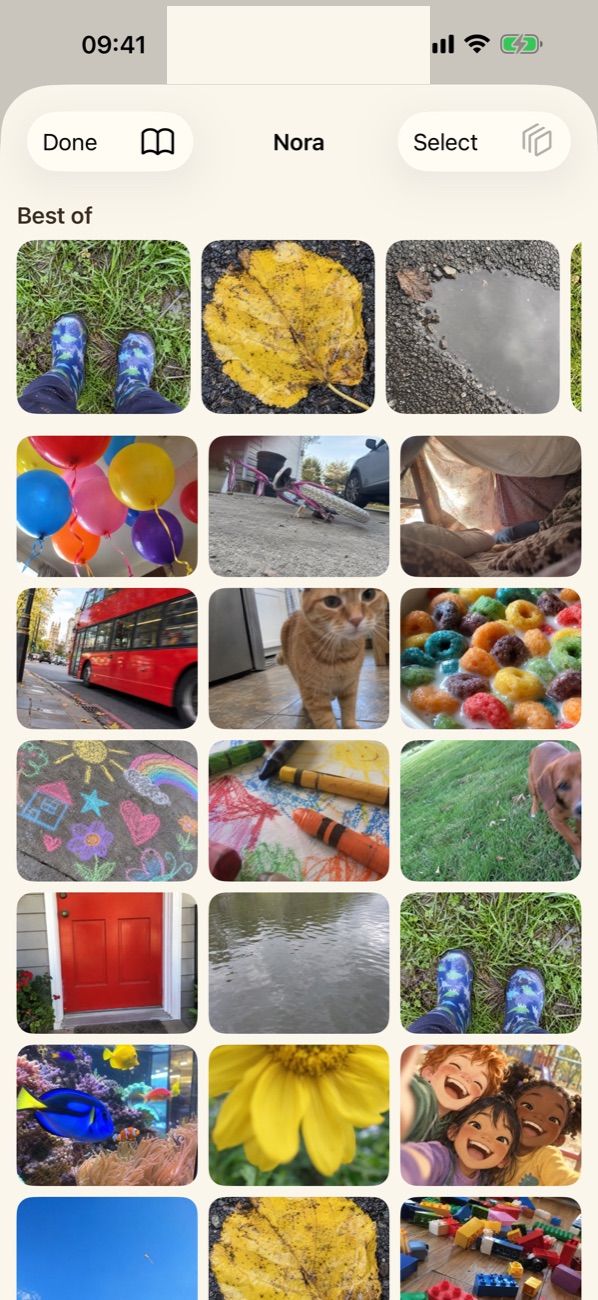
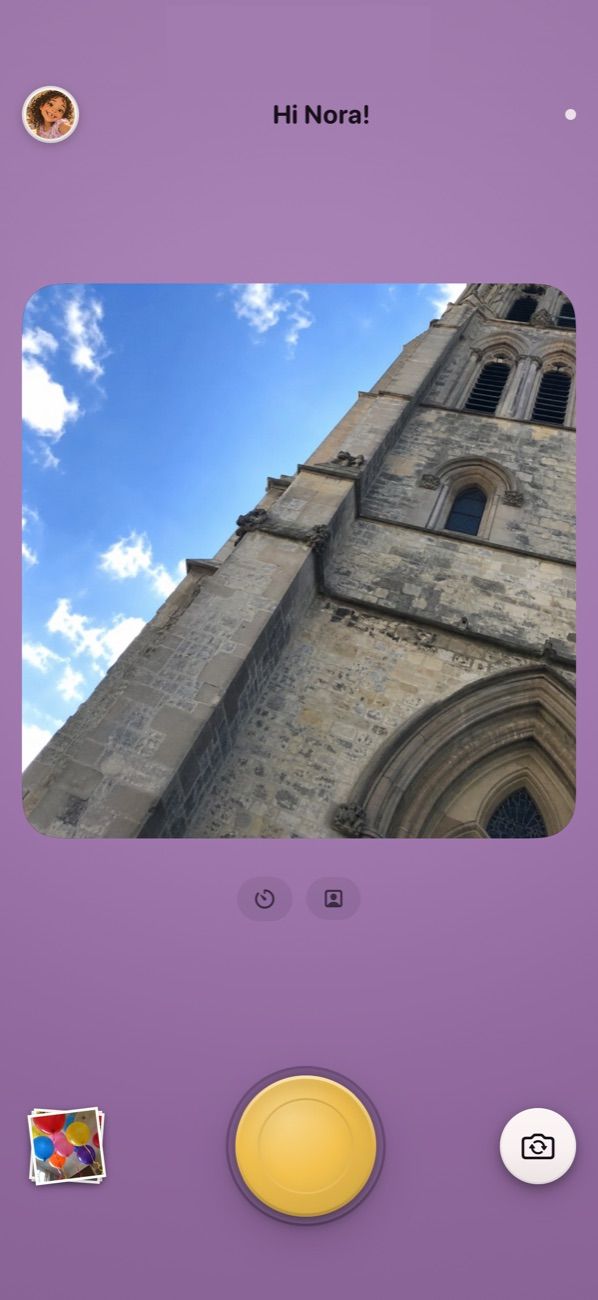
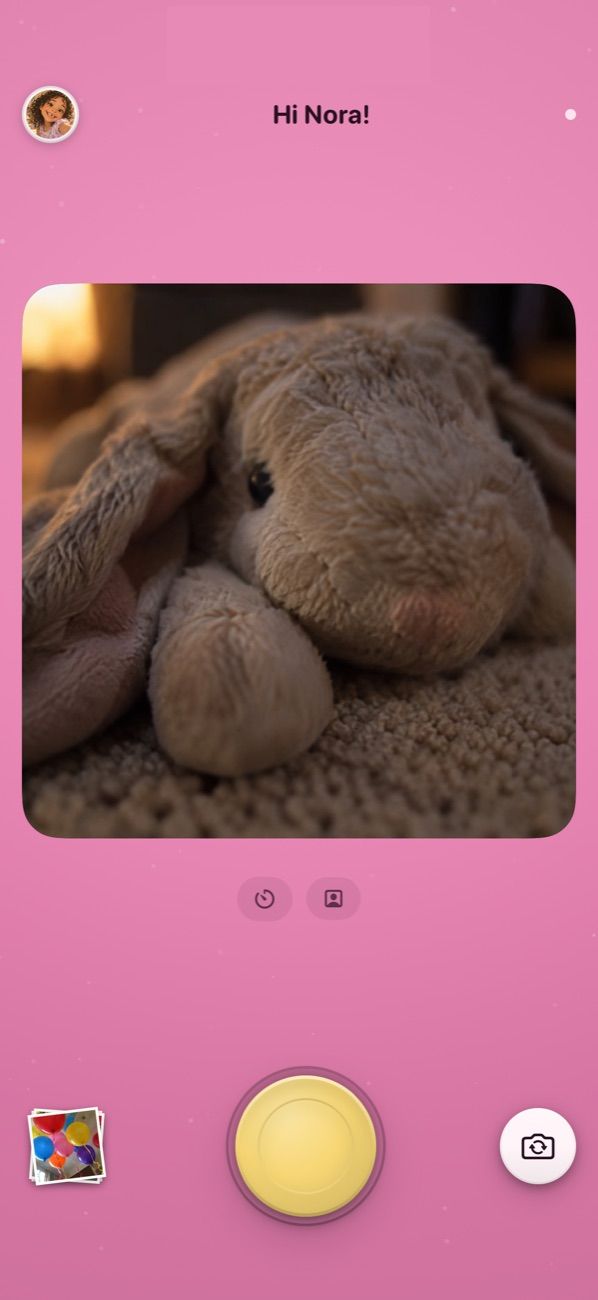
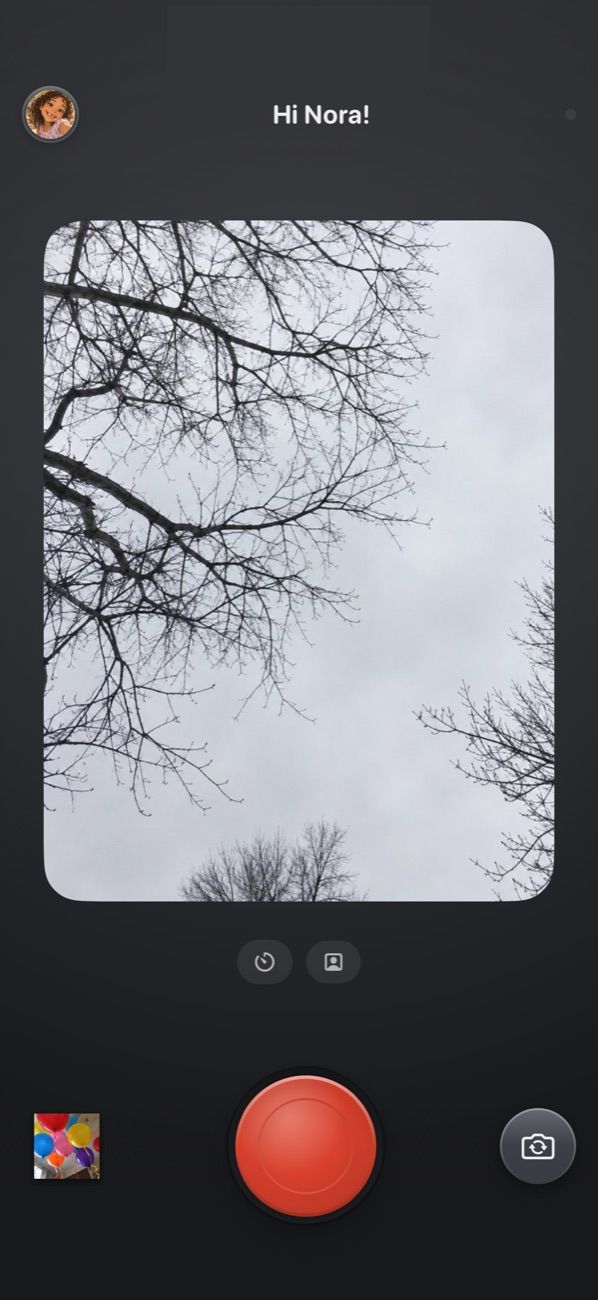
Mupi gives a child a simple camera of their own, with a private photo library you can see from your phone. No feed, no ads, no way to wander off into the internet.
Put it on an old iPhone and give the camera a name. A few minutes, once.
2
Hand it over
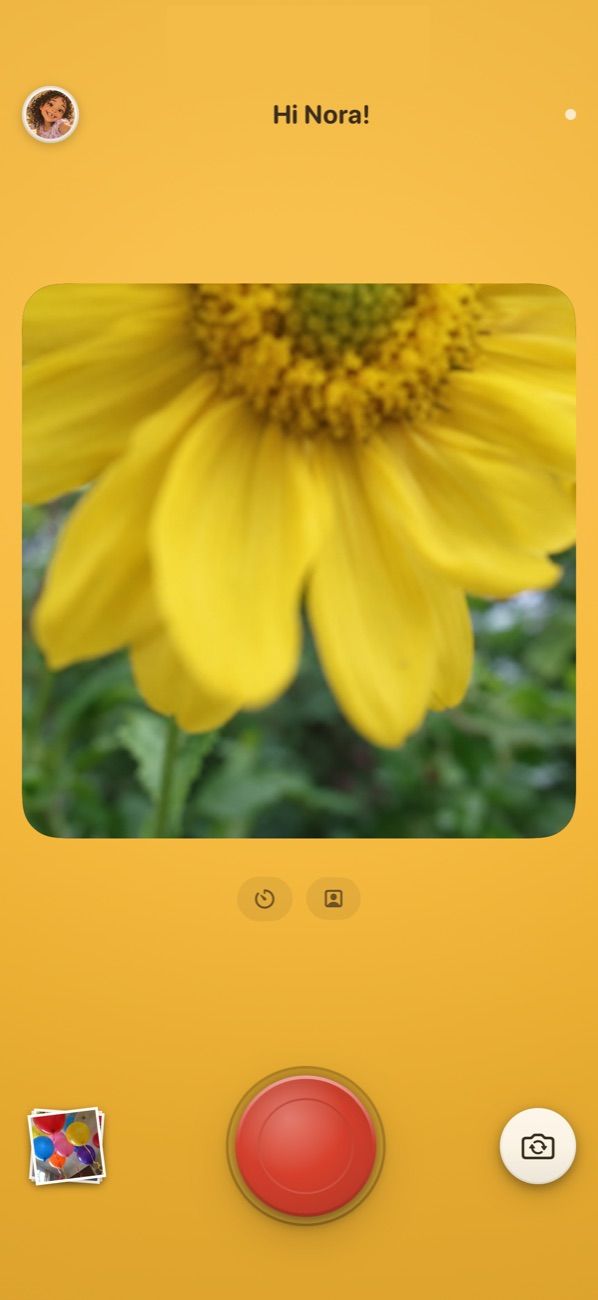
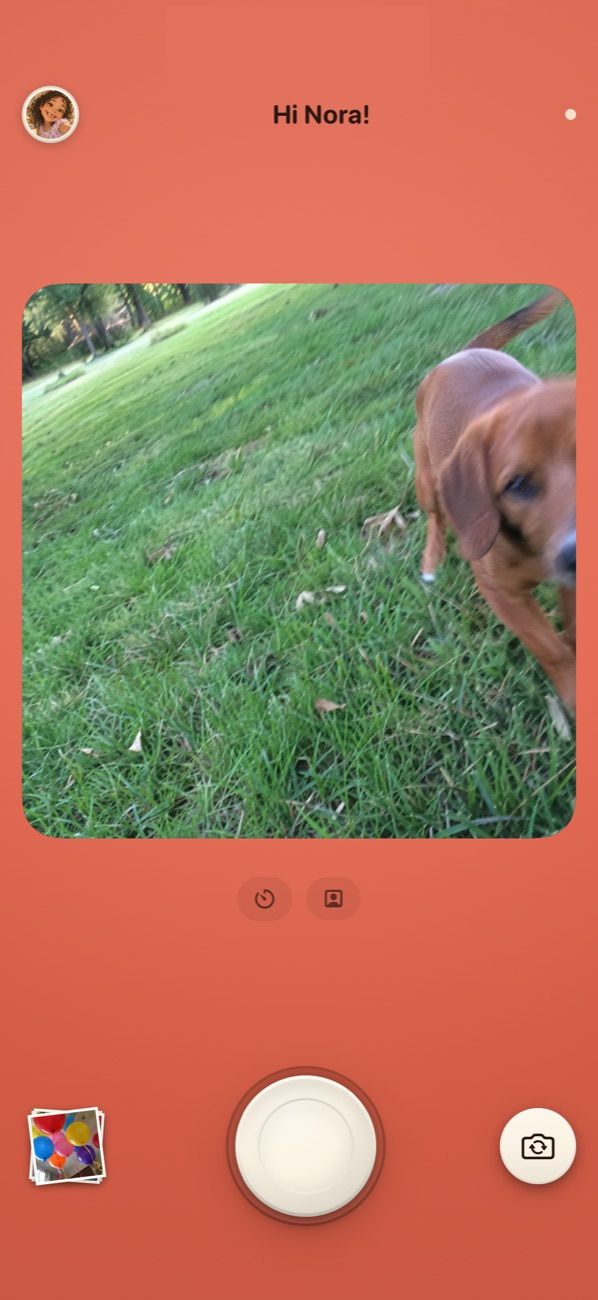
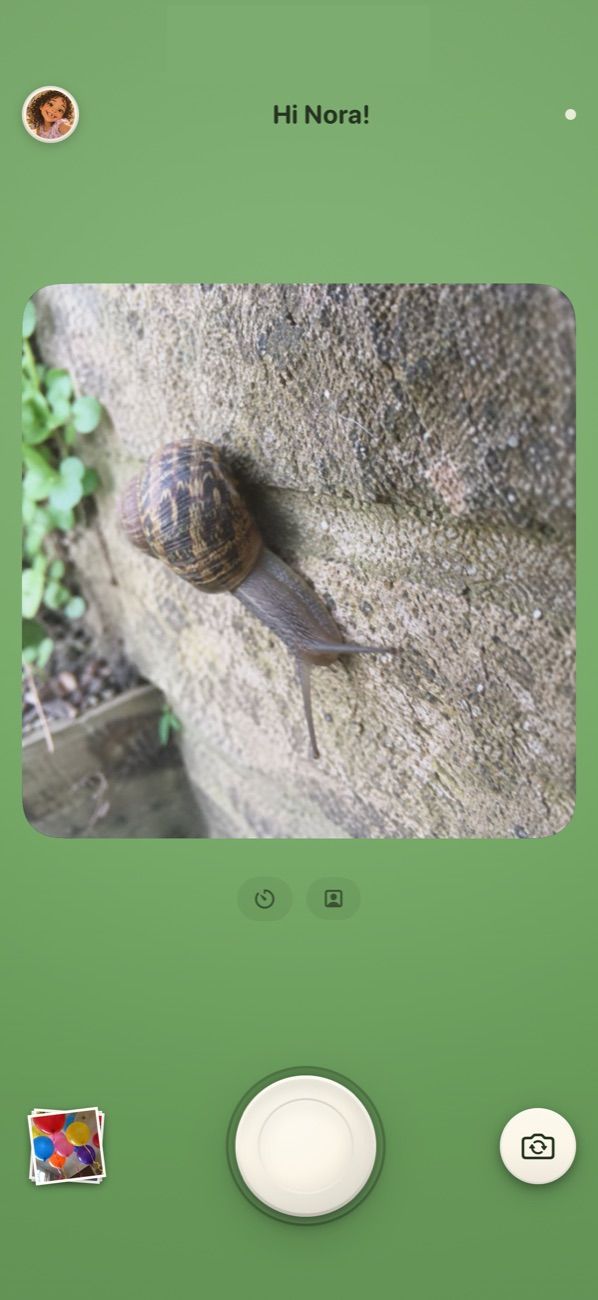
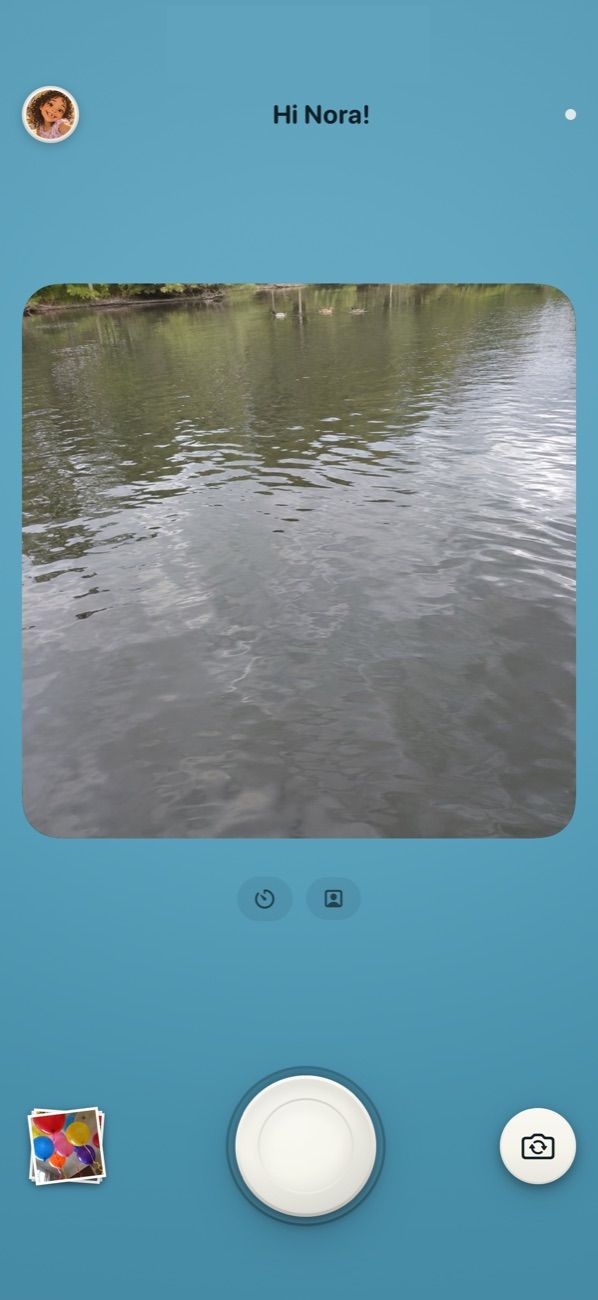
One big button. No menus, no settings, nothing to get lost in.
3
See what they saw
Their photos turn up in your Mupi, backed up to your own iCloud.
Their world matters
Photos aren’t just pictures. They’re how they see the world.
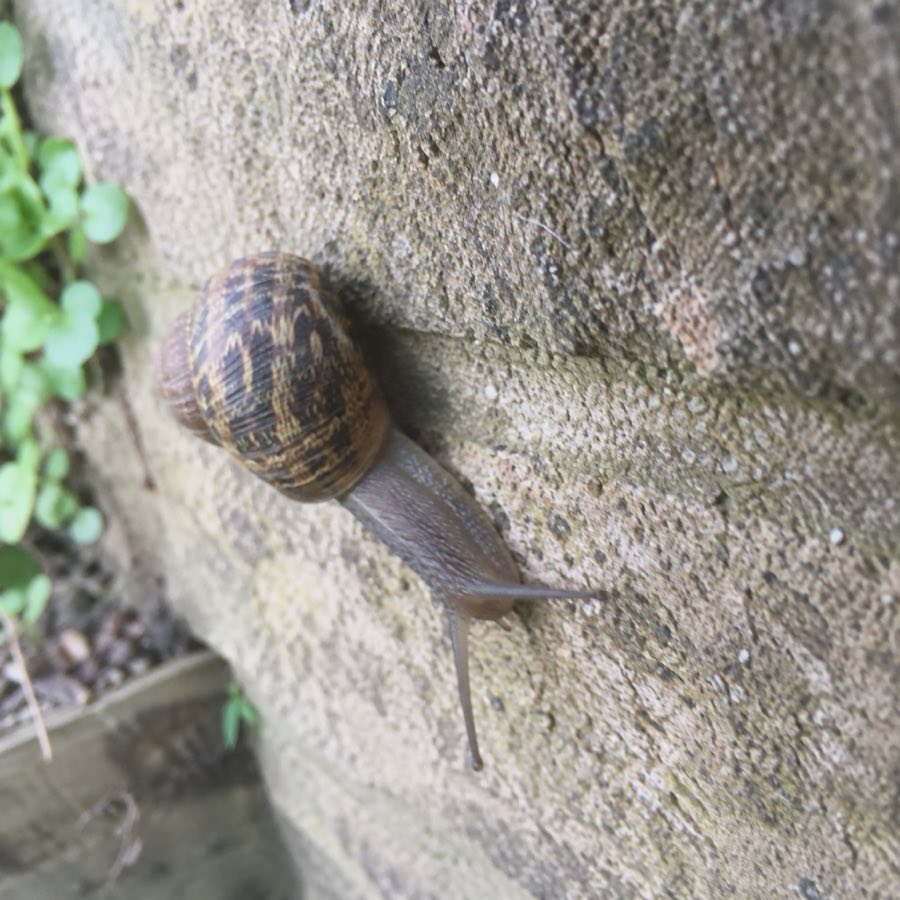
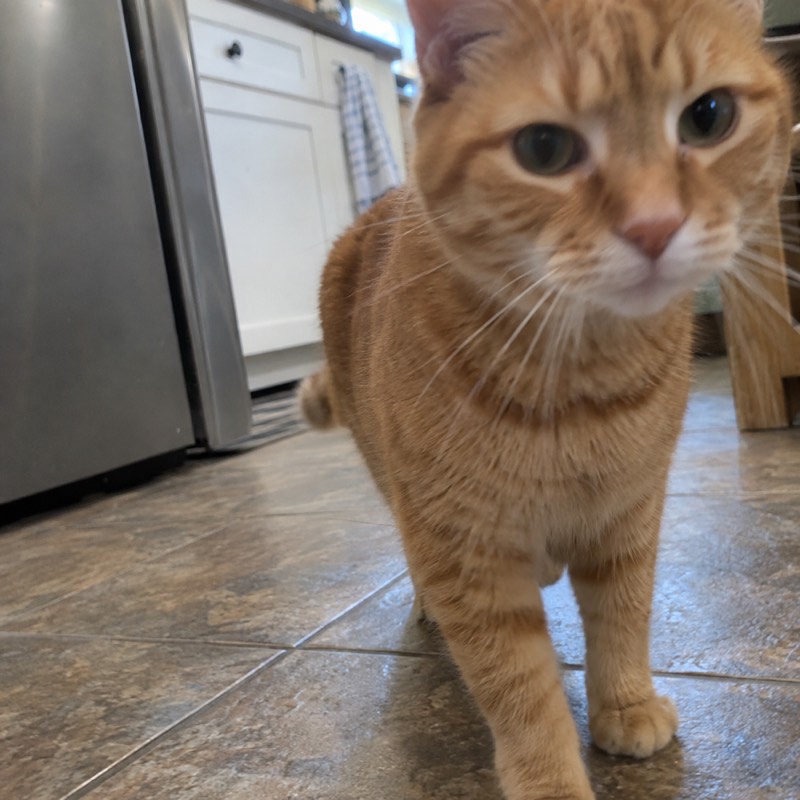
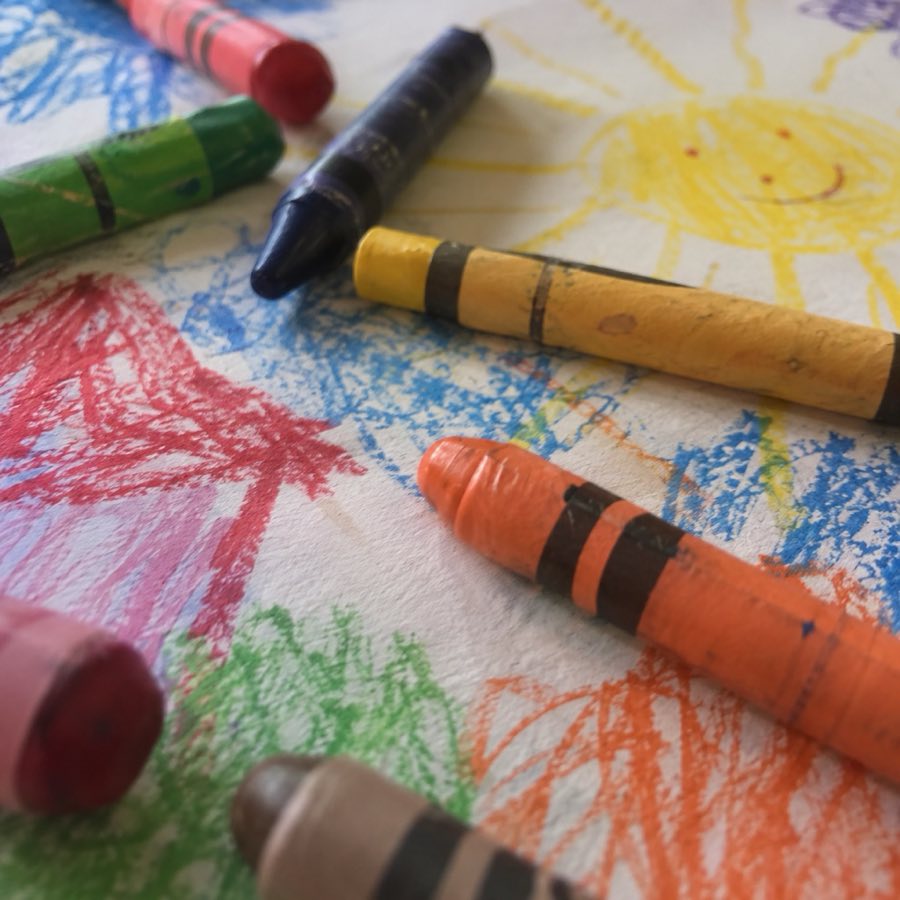
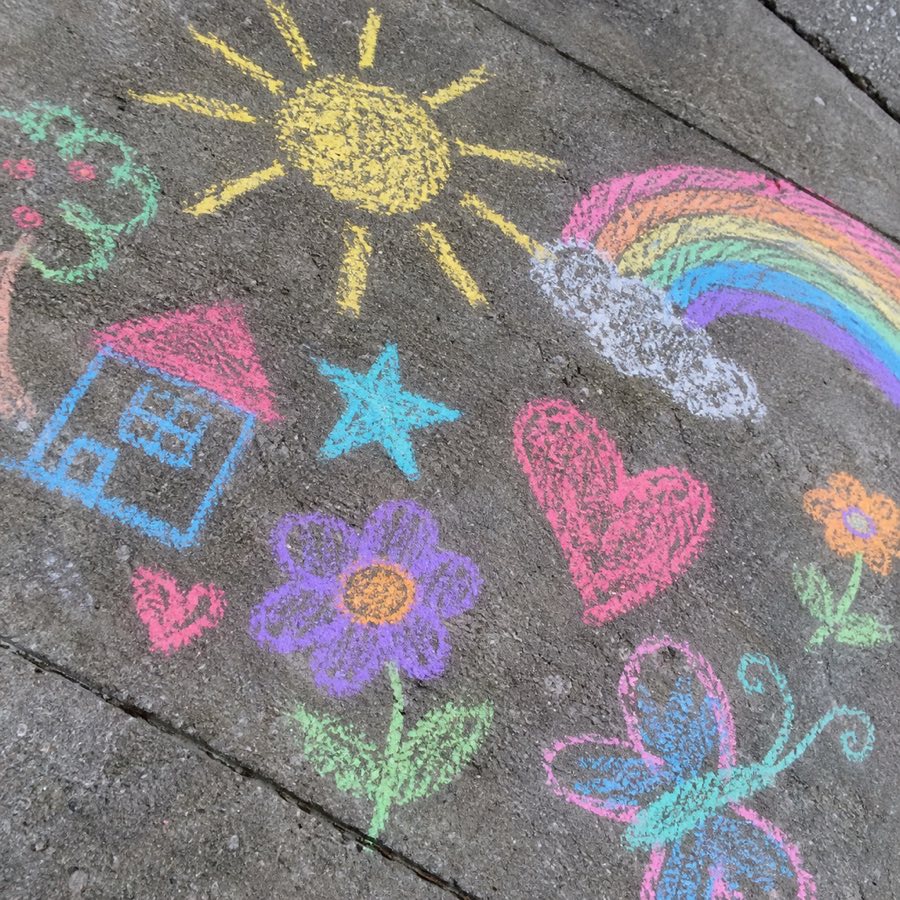
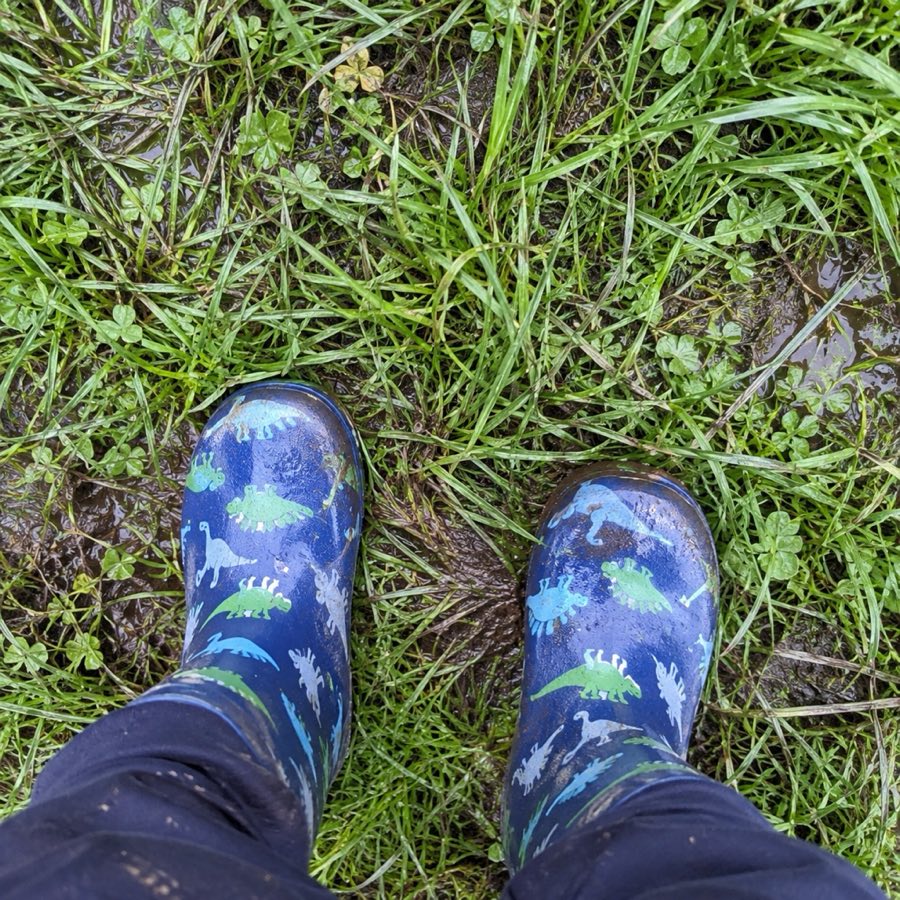
Balloons from directly underneath. A pavement covered in chalk. Their own boots, twice. The dog eleven times. What looks ordinary to you is the whole point to them.
“That one is the tallest tower”
Built for real life
A shutter, a viewfinder, and no menus.
A camera, not an app
One big shutter, a big viewfinder, and a button to turn it around. Nothing else.
Private by default
Photos back up to your own iCloud. No Mupi account, no ads, nothing watching.
Their own library
Hundreds of photos that do not land in your Apple Photos unless you put them there.
One app, whole family
Several children, several old iPhones, one purchase. No charge per child.
Make it theirs
They pick how it looks.
Same camera, seven personalities. A child chooses one and it stays chosen — the same big shutter in the same place, in the colour they wanted. Choosing it is half of owning it.
Sunshine
Poppy
Meadow
Sea
Plum
Princess
Graphite
Move across to look along the row.Swipe to look along the row.
Where the photos live
Hundreds of photos, and none of them in your way.
A child with a camera takes a lot of pictures. In Mupi they live in their own library, not scattered through your Apple Photos.
You look through them when you want to, mark the ones you love, and save the keepers into Photos yourself.
Two hundred photos of the dog would be the end of this arrangement, so Mupi keeps its own library — on the camera and in your family's iCloud — and never touches your camera roll. Nothing in your Recents, nothing in your Memories. Mupi only ever asks iOS for permission to add a photo, never to read one, and a photo gets added exactly one way: you open it, and you save it.
An app on a phone that is still a phone, a phone held inside Mupi until you unlock it, or a phone that is nothing but a camera. Mupi knows which one it is in and behaves accordingly.
1 · Not locked at all
Just use the app
A phone that is still a phone.
Open Mupi like any other camera app. Nothing to set up, nothing to undo, and the way back to the family library is a button in the profile.
Best for
Trying it out, or an older child you trust with a whole phone.
What it costs you
Nothing stops a child leaving Mupi and opening something else.
The camera keeps running; the phone’s own auto-lock decides when to stop.
A hold on the header, then your passcode, gets a grown-up in.
Nothing to set up.
2 · Locked while they hold it
Keep them in Mupi
Apple’s Guided Access, two taps each time.
Guided Access is built into every iPhone and holds it inside one app until you unlock it. Nothing is installed and nothing is permanent.
Best for
Most families. A phone that is a camera for an hour and a phone again after.
What it costs you
You start it each time, and it stops when the phone restarts.
Mupi notices it is locked in and sleeps the camera after 45 idle seconds, which is what an old battery actually needs.
The hold to reach the family library gets longer, because it is now the only other place on the phone.
Guided Access’s own Side Button option makes the side button sleep the phone as usual.
FaceTime disappears from the camera, because iOS will not let an app open another one. Sending a grown-up a photo still works.
That reaches back to the iPhone 6s and iPhone SE (1st generation), from 2015 — the exact phones that end up in drawers. If it turns on, holds a charge and can install apps, it can be a Mupi.
Check in Settings, then General, then About. No SIM needed, no phone number, no mobile data: a Mupi does not have to be a phone.