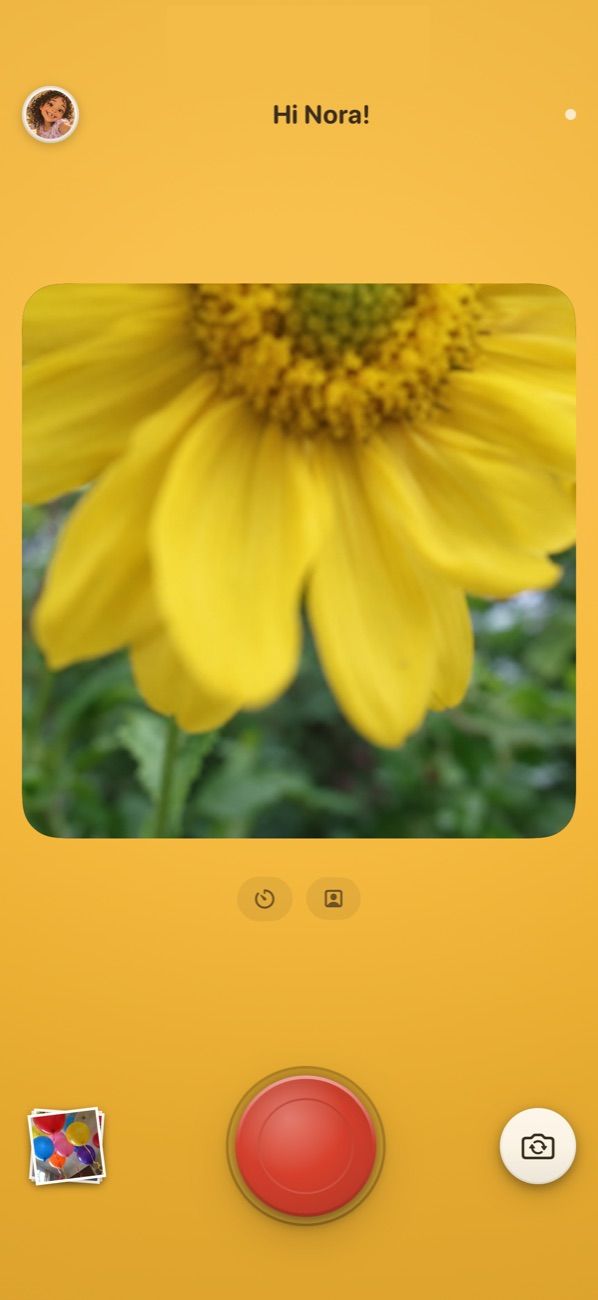
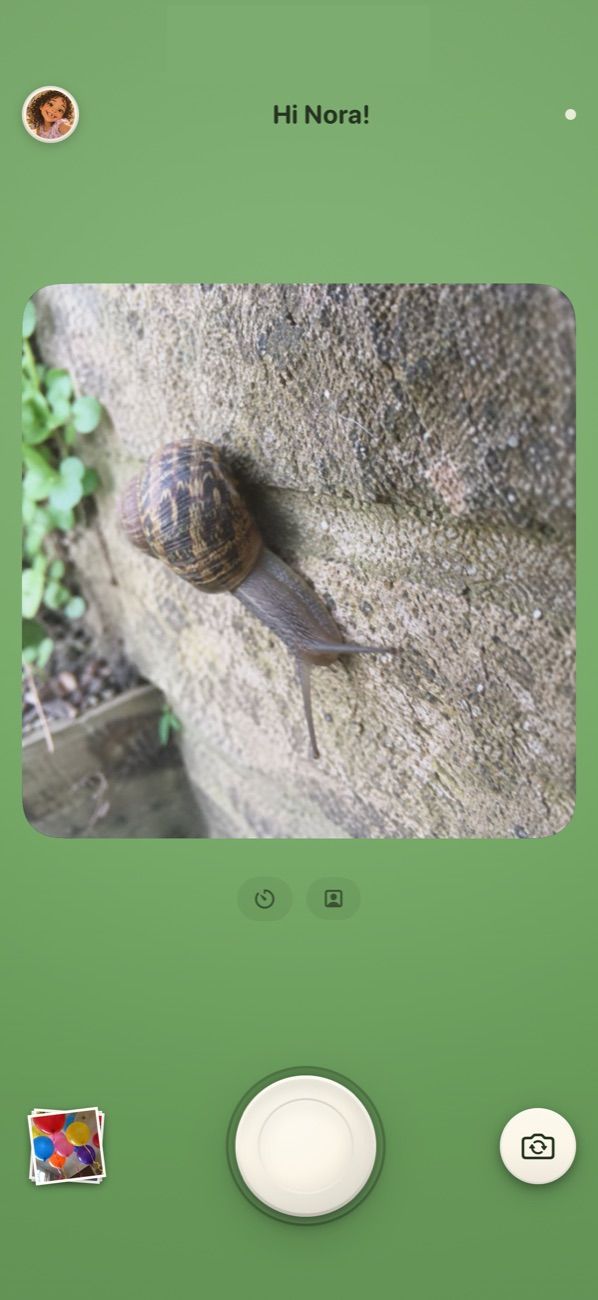
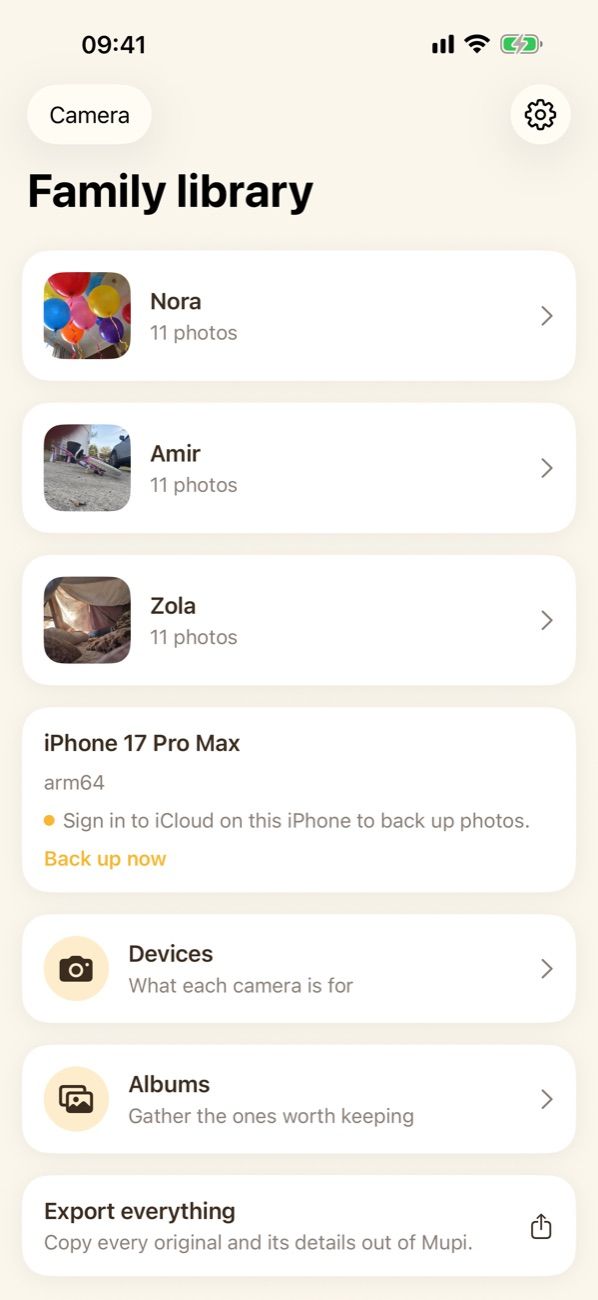
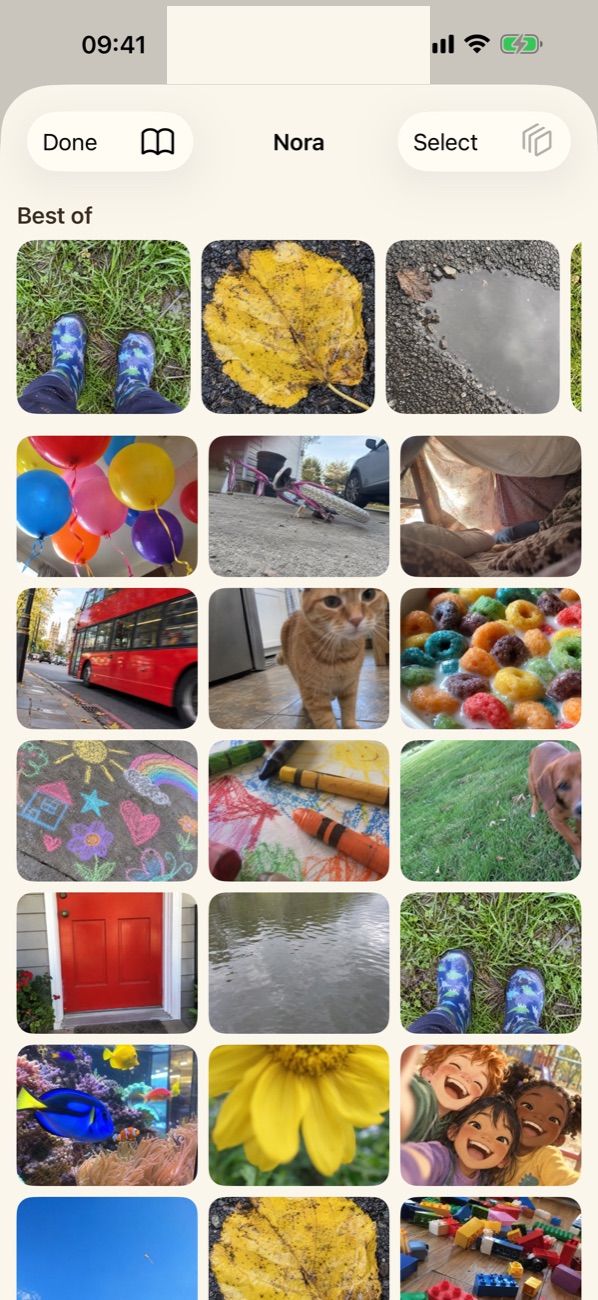
Find an old iPhone, install Mupi, hand it over. The rest is meant to stay out of the way.
Step one
Put Mupi on an old iPhone.
Any iPhone running iOS 15 or later will do. Charge it, install Mupi, and give the child's camera a name.
Step two
They take photos.
One press of the shutter takes one photo. It is written to the camera immediately, so nothing depends on a signal or on your phone being nearby.
Their photos go into their own gallery, which they can look through whenever they like.
Step three
Photos back up on their own.
When the camera has a connection, photos copy into your family's iCloud storage. If it does not, they wait on the camera and go later. Nothing is lost in between.
Step four
You look through them on your own phone.
Open Mupi on your iPhone, open your child's library, and save the ones you want into Apple Photos. Everything else stays where it is.
How locked down do you want it?
1 · Not locked at all
Just use the app
A phone that is still a phone.
Open Mupi like any other camera app. Nothing to set up, nothing to undo, and the way back to the family library is a button in the profile.
Best for
Trying it out, or an older child you trust with a whole phone.
What it costs you
Nothing stops a child leaving Mupi and opening something else.
The camera keeps running; the phone’s own auto-lock decides when to stop.
A hold on the header, then your passcode, gets a grown-up in.
Nothing to set up.
2 · Locked while they hold it
Keep them in Mupi
Apple’s Guided Access, two taps each time.
Guided Access is built into every iPhone and holds it inside one app until you unlock it. Nothing is installed and nothing is permanent.
Best for
Most families. A phone that is a camera for an hour and a phone again after.
What it costs you
You start it each time, and it stops when the phone restarts.
Mupi notices it is locked in and sleeps the camera after 45 idle seconds, which is what an old battery actually needs.
The hold to reach the family library gets longer, because it is now the only other place on the phone.
Guided Access’s own Side Button option makes the side button sleep the phone as usual.
FaceTime disappears from the camera, because iOS will not let an app open another one. Sending a grown-up a photo still works.